
Updated
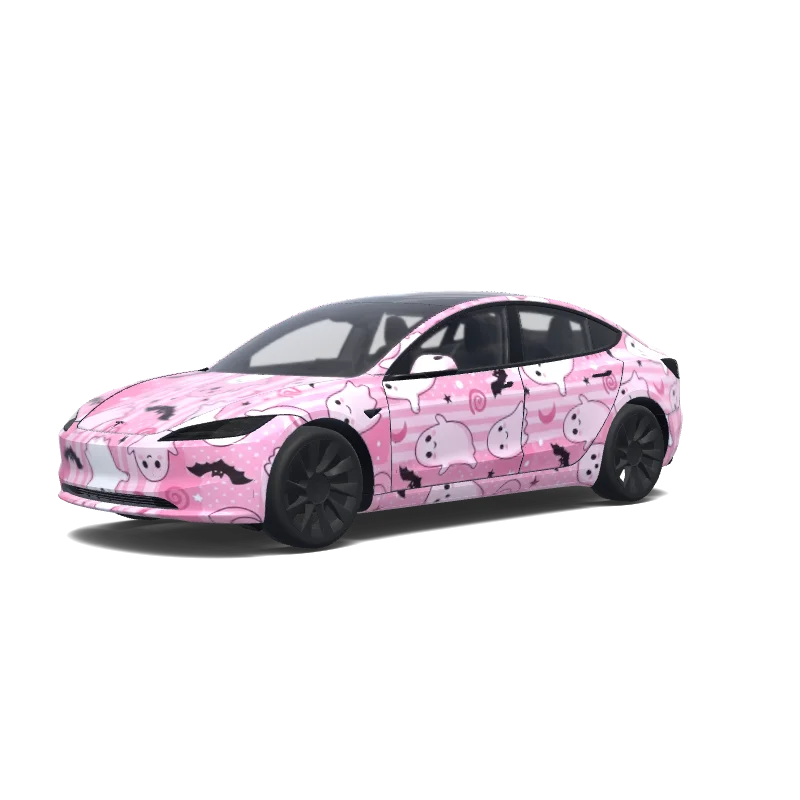
Tesla’s 2026 Halloween Mode is an in-car seasonal feature, while a custom wrap is your own Paint Shop design. You can enjoy the ghostly software theme and still prepare a model-matched PNG for a more personal look. Availability depends on your vehicle and software rollout, so check the release notes shown in your car before following the steps below.
What is Tesla Halloween Mode in 2026?
Tesla software update 2026.38.3 introduced Halloween Mode in October 2026. Reports based on the in-car release notes describe a ghost costume for the vehicle visualization, a themed parked scene, approach-triggered Trick or Treat sounds and lights, a scheduled Fright Show, a Halloween lock sound and themed Paint Shop wraps. The parked visualization also has interactive graveyard details. The feature is listed in Toybox; it is a seasonal experience you turn on, not a secret command you need to discover.
Is it a Tesla Easter egg or a software update?
It is both seasonal fun and a named software feature. Halloween Mode itself appears as a Toybox entry in the reported 2026.38.3 release notes, so it is not hidden in the strict sense. The smaller ghost animations and interactive parked scene feel like Easter-egg details. Tesla’s regular Santa Mode is another example of holiday customization in Toybox.
Check before enabling Trick or Treat
The proximity-triggered Trick or Treat feature uses extra power. Reporting that quotes Tesla’s on-screen notice says Sentry Mode, the security alarm and walk-away lock are disabled while this toggle is on. Check the notice in your own vehicle before enabling it, and do not assume your usual parked-car security settings remain active.
Will every Tesla receive every Halloween feature?
The feature rollout is not uniform. Reporting based on owner-visible release notes says the full parked visualization needs AMD-powered infotainment; older Intel vehicles may receive fewer parts of the package. Software branches and update timing can also differ. A model name or year alone cannot confirm what your car supports: check Toybox and the release notes in your vehicle after updating. If Halloween Mode is absent, you can still create and preview a digital wrap in the browser, but only a compatible vehicle can confirm its Paint Shop result.
How can a custom wrap complement Halloween Mode?
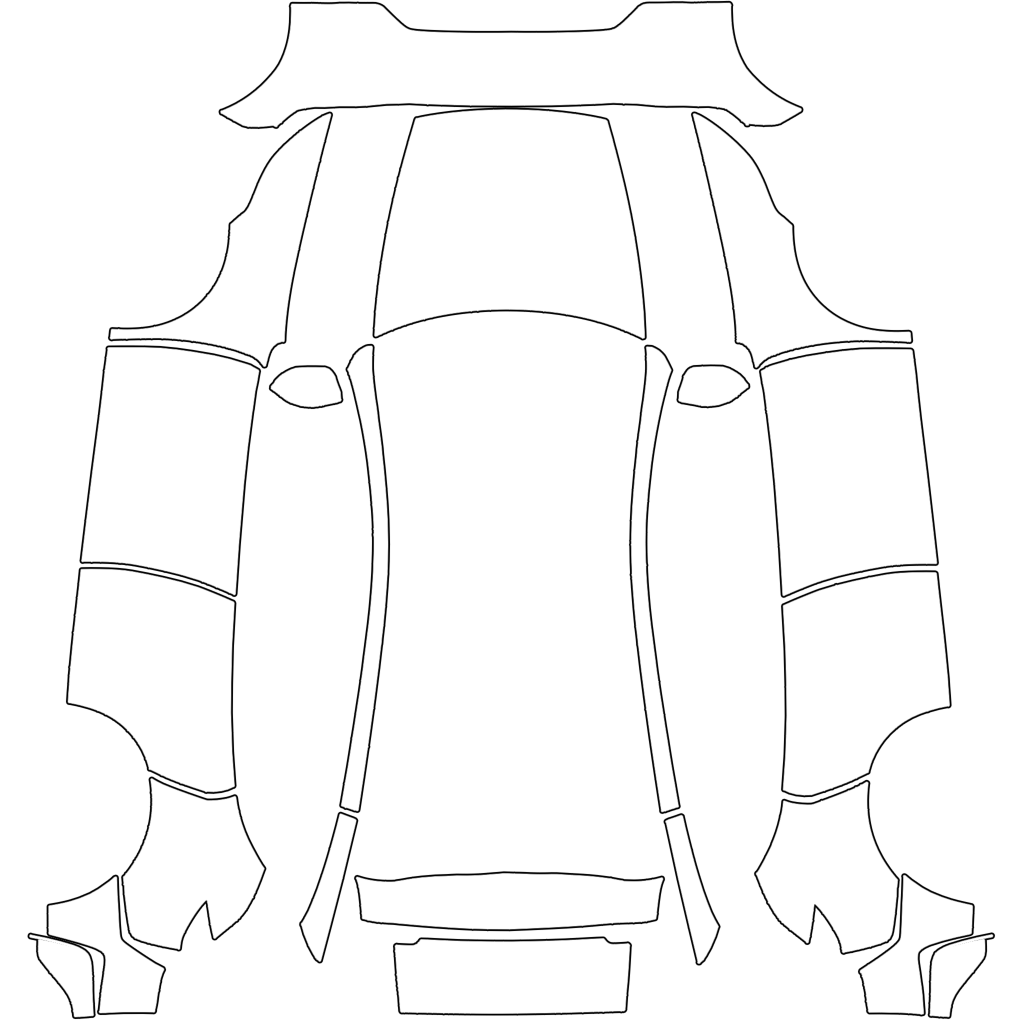
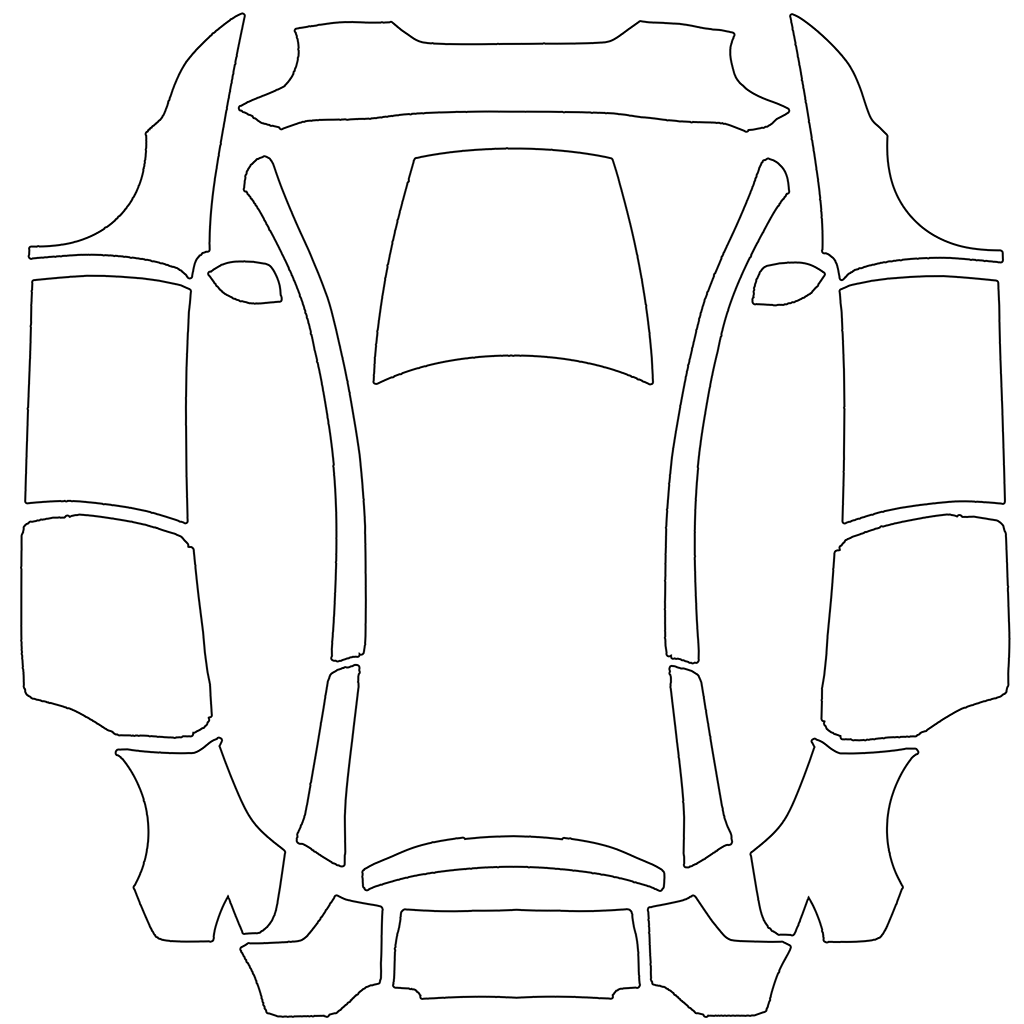
Use the built-in mode for the avatar, light and sound effects. Use a custom wrap when you want to decide the artwork yourself: for example, a midnight-purple base with a few bright pumpkins, friendly ghosts over a black background, or a subtle bat pattern. These are starting directions, not files tested on every car. The right PNG still depends on your exact vehicle template, and a digital wrap changes the on-screen vehicle visualization rather than the physical paint.
Browse a design or make your own
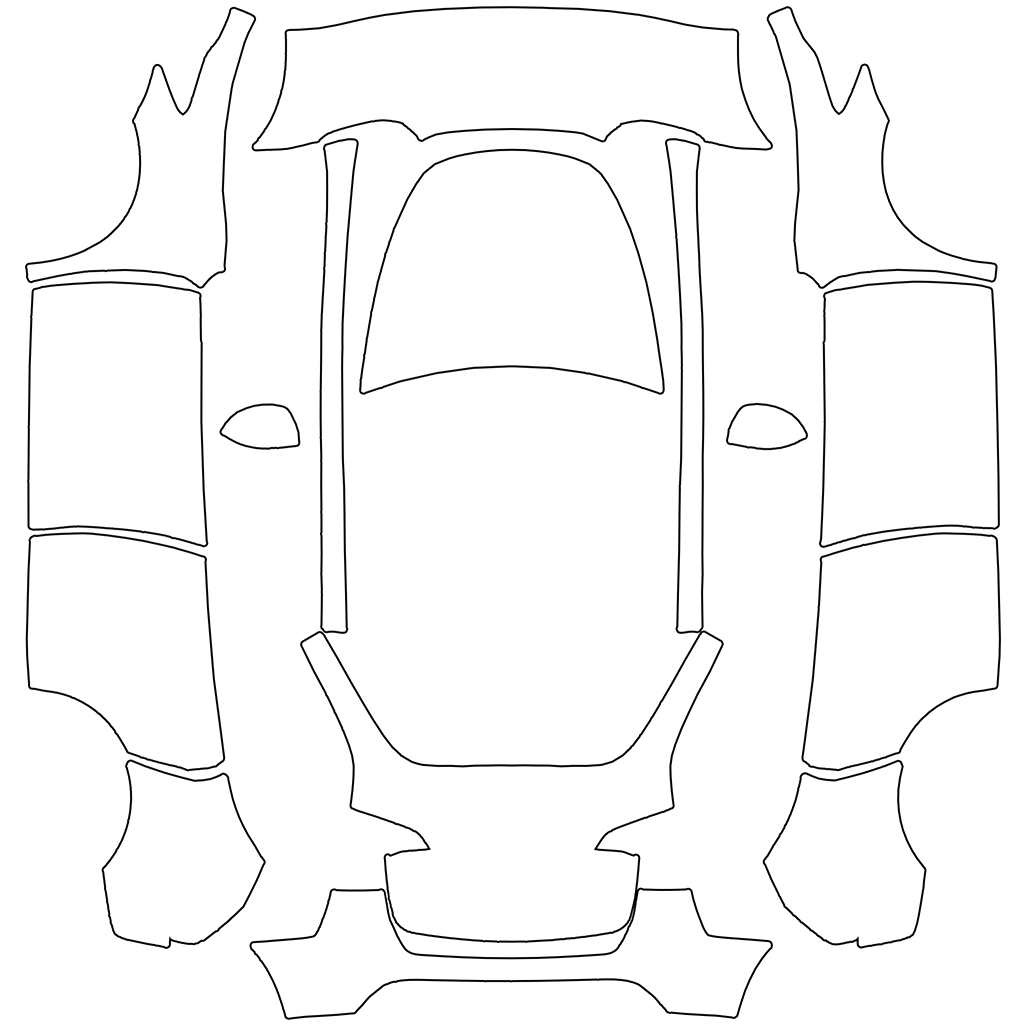
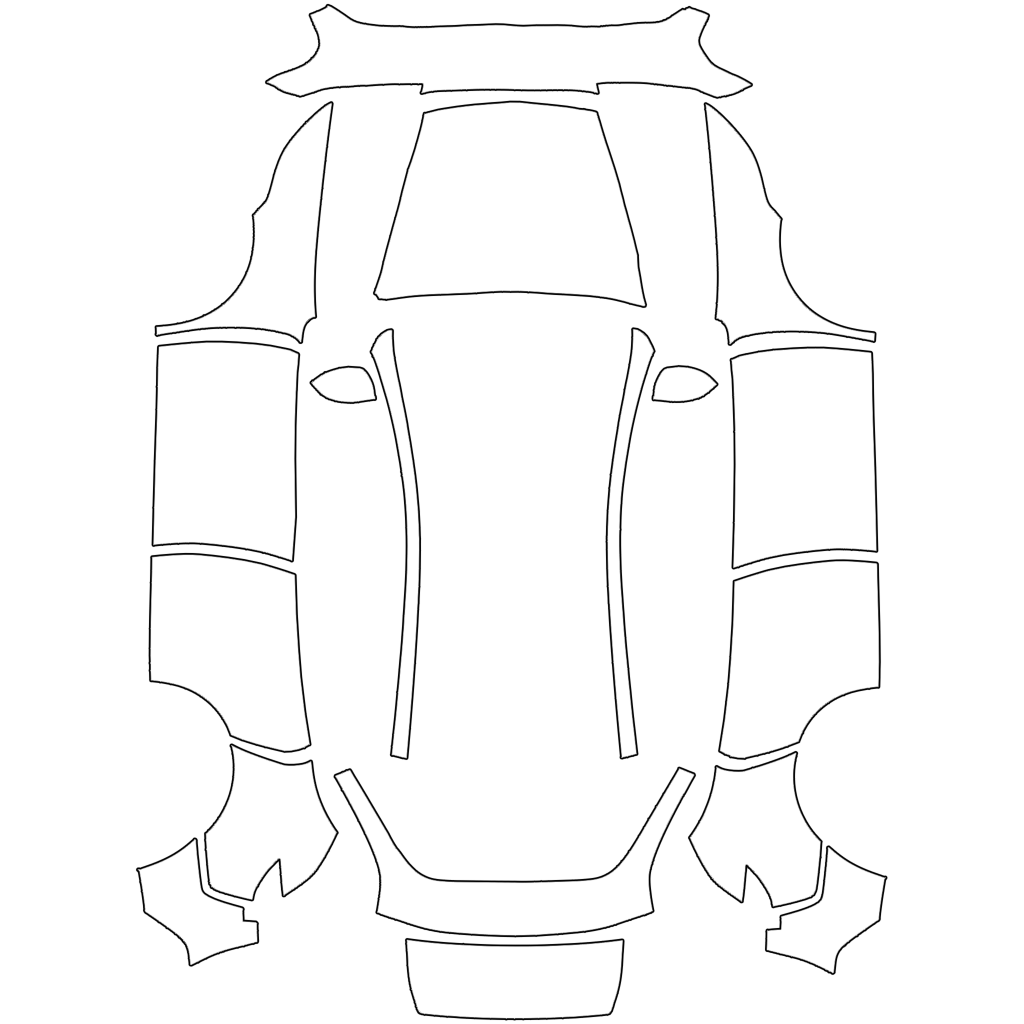
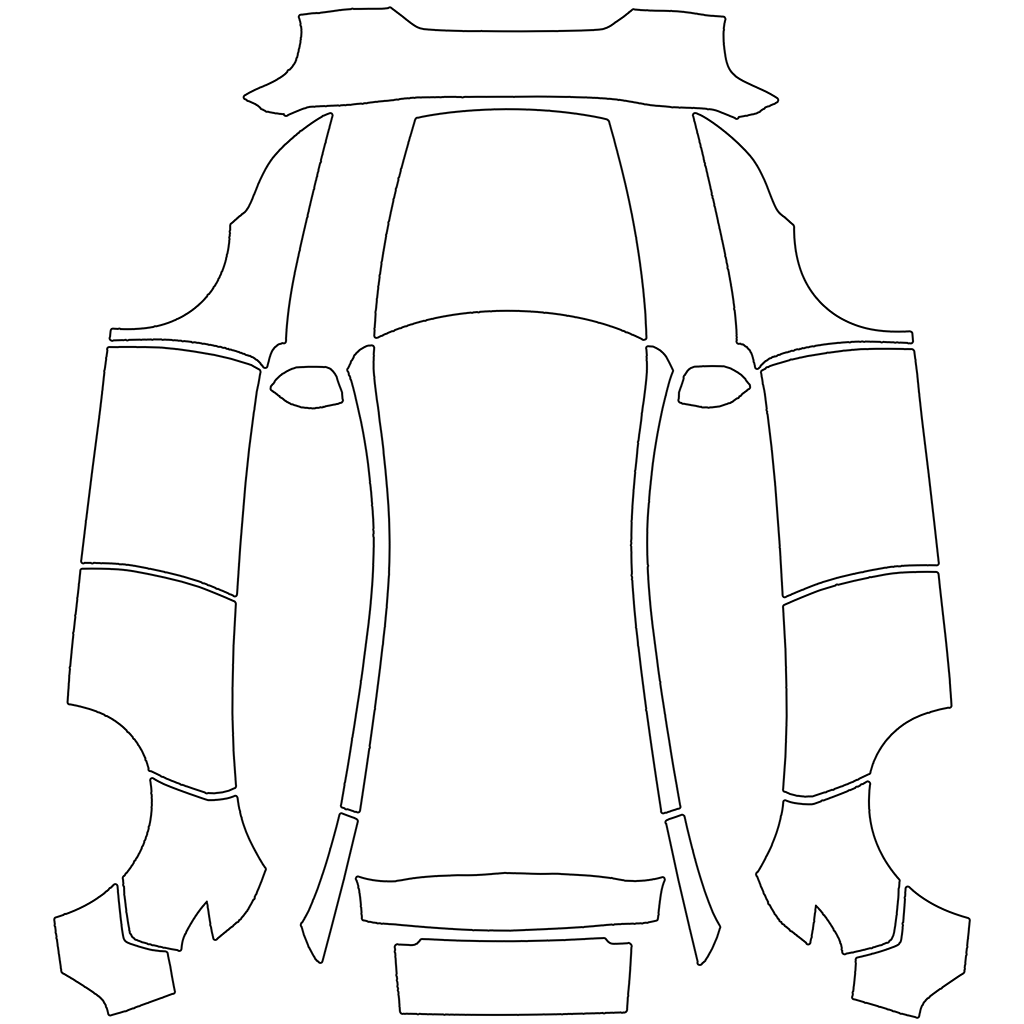
Browse the community gallery for available Halloween-inspired designs, then filter the loaded results for a theme you like. Before downloading, check the vehicle version shown on the design. For a new idea, open the editor on your exact model, add the main motif and colors, and inspect the hood, both sides and rear in 3D. A checkerboard PNG preview shows the flat artwork; the 3D view shows how its panels map to the vehicle.
Want to see the available Halloween-inspired work? Search “halloween” or “pumpkin” in the community gallery; its search filters the designs you have loaded. Browse community wrap designs →
Check the file before uploading
Tesla’s custom-wrap instructions specify PNG, dimensions from 512 × 512 through 1024 × 1024, a maximum file size of 1 MB, and a model-specific template. Cybertruck is the bundled rectangular 1024 × 768 layout; do not force its artwork into a square. Use the Tesla app or a USB drive with the PNG in a root-level Wraps folder, then choose it in Toybox → Paint Shop → Wraps. Our local PNG checker can flag format, filename, size and dimension problems; passing those checks cannot verify panel alignment or guarantee your car will accept the file.
Questions before you export
Which update added Tesla Halloween Mode?
Halloween Mode first appeared in reported release notes for software 2026.38.3. Check your car’s own release notes because availability and timing vary.
Are Tesla’s Halloween wraps the same as a custom wrap?
They are separate options. Halloween Mode includes Tesla-themed software effects and reported built-in wraps; a custom PNG is artwork you prepare for your exact Paint Shop template.
Can I use a Model Y Halloween PNG on a Cybertruck?
Do not assume so. Tesla publishes separate vehicle templates, and Cybertruck uses a different canvas proportion. Start with the template for the exact model.
Will a custom wrap change the car’s physical paint?
No. Paint Shop wraps change the vehicle visualization shown on the car’s screens. They are not a physical vinyl installation.
Continue with your wrap
Sources and compatibility
File requirements and template selections are checked against the sources below. Original palettes and layout exercises are design suggestions, not official Tesla designs or vehicle test results. Your vehicle’s features and software determine final compatibility.