
Updated
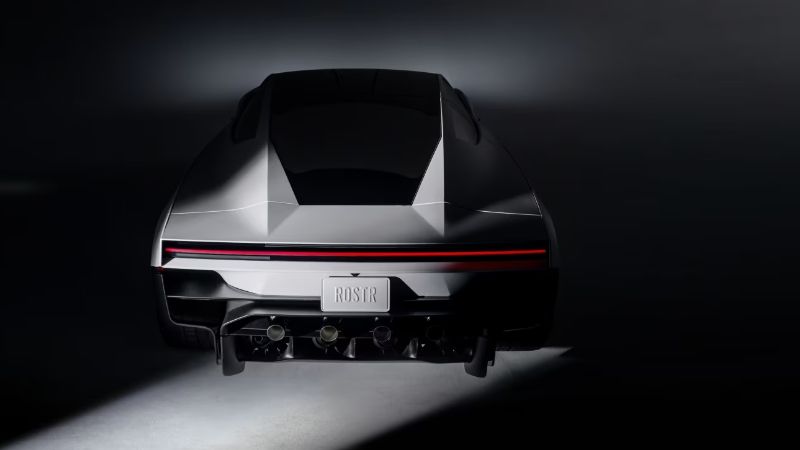
Ano White appears on Tesla’s updated Roadster page as a paint treatment. The separate Gold Glazed section describes the glass, not a second gold body color. This October 16, 2026 guide separates those published descriptions from our own design suggestions. It is not a factory color catalogue, a paint-code lookup or a claim that Roadster wraps can already be exported here.
| Concept | Visual hierarchy | What to label clearly |
|---|---|---|
| Light body, dark upper area | A calm body color with a stronger roof/window outline | Your own concept, not a factory paint option |
| Dark body, restrained warm accent | One small accent rather than several competing stripes | Accent placement is illustrative |
| Neutral body, asymmetric graphic | A single directional motif on the intended panel | Requires a matching UV template before export |
What Tesla actually says about Ano White
Tesla connects Ano White with aerospace-inspired protective techniques. That is a manufacturer description of a physical finish, not an RGB value or an image filter. A white patch sampled from a webpage can be a useful reference for a mood board, but lighting, reflections and your display change its appearance. It cannot reproduce the material or establish a factory mixing formula.
Gold-toned glass is not a body-paint announcement
The adjacent glass imagery can make a white-and-gold composition look like a complete paint scheme. Keep the parts separate when studying it: body, glass, trim and lighting. For a digital concept, do not promise that a color painted into body-panel artwork will also change the windows. Which regions a texture affects depends on the model and material mapping used by the application.
Keep factory options separate from your palette ideas
Label a mockup with its purpose: a color study, a graphic concept or a rendering experiment. Do not call your palette an official Roadster color option because it looks plausible. The three exercises above help compare contrast and visual balance without inventing an orderable color list. Keep your source artwork editable so you can change the main color without rebuilding every graphic.
A practical way to compare concepts before a template arrives
Use the same reference view, neutral background and approximate light direction for each concept. Change one decision at a time: first the main body color, then an accent, then graphic scale. A dramatic background or a different exposure can make a weaker palette appear stronger. Record what you changed beside each image. These comparisons help choose a direction; they do not produce a Roadster-compatible texture.
Check the exact generation before looking for a paint code
Older Roadster paint-code results refer to an earlier vehicle and should not be treated as a match for the newly presented car. An actual paint or repair job needs the vehicle-specific information and a qualified supplier or installer. For screen artwork, keep the work in editable image layers. For Paint Shop, wait for a matching Roadster layout and confirmed feature support rather than applying a file made for another model.
Continue with your wrap
Sources and compatibility
Requirements checked against Tesla’s published instructions on the date above. Your vehicle’s available features and software remain the final compatibility check.