
Updated
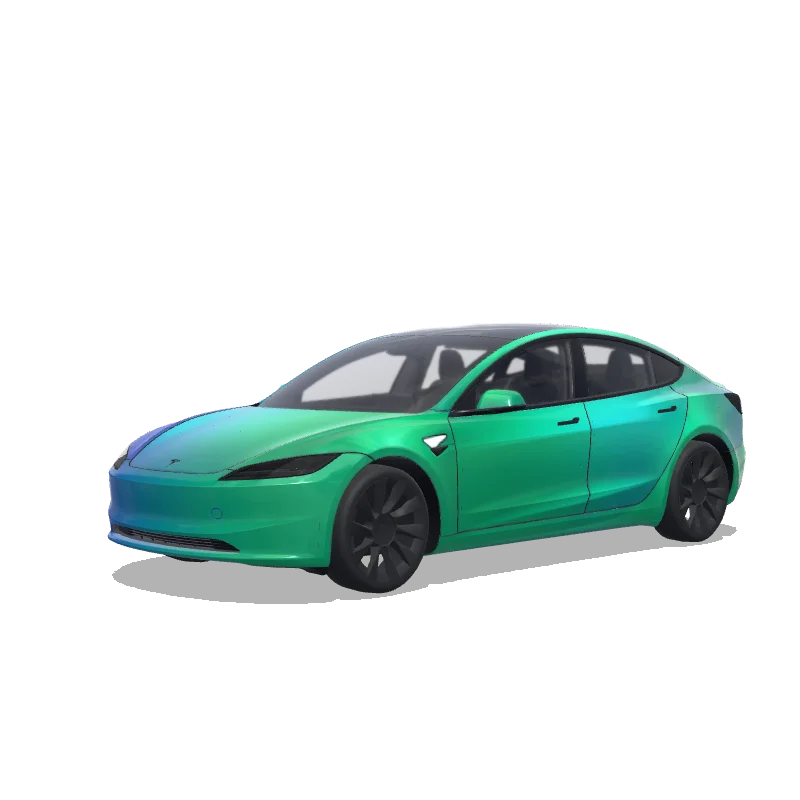
For a Model 3 Highland wrap template, choose Model 3 (2024+) Standard & Premium or the separate Performance entry to match your vehicle. Tesla’s official repository also keeps the original Model 3 in its own folder. The three bundled blank files are all 1024 × 1024 PNGs, so file dimensions alone cannot tell you which one fits. Compare the exact template entry before editing or downloading a finished design.
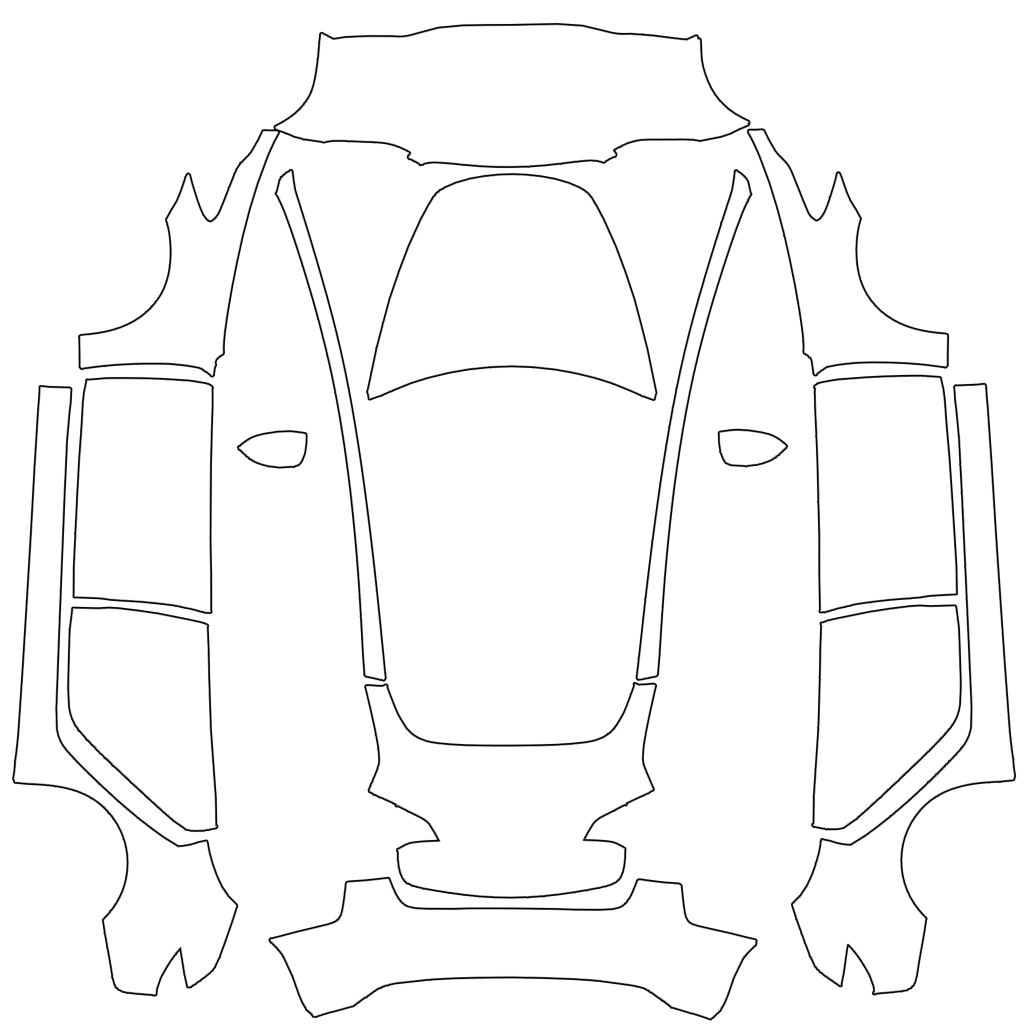 Original Model 3
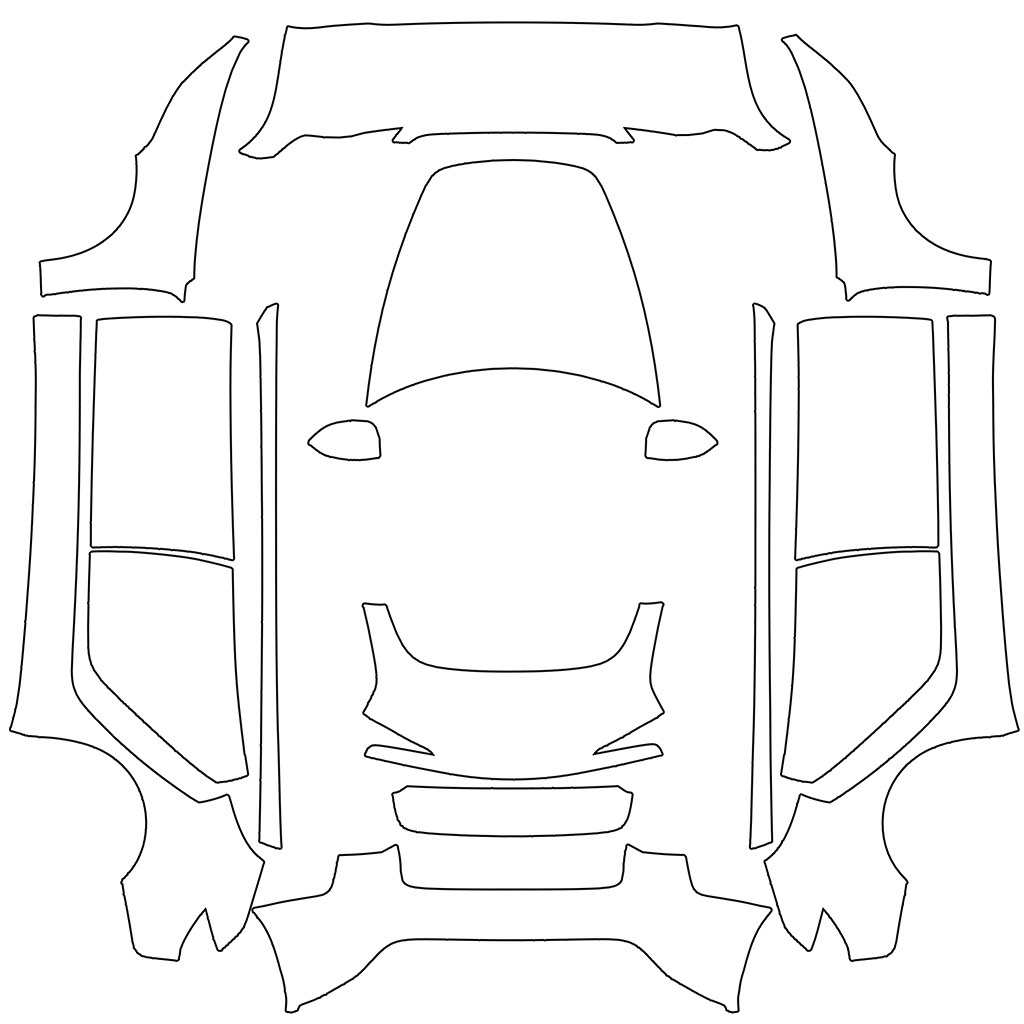 2024+ Standard & Premium
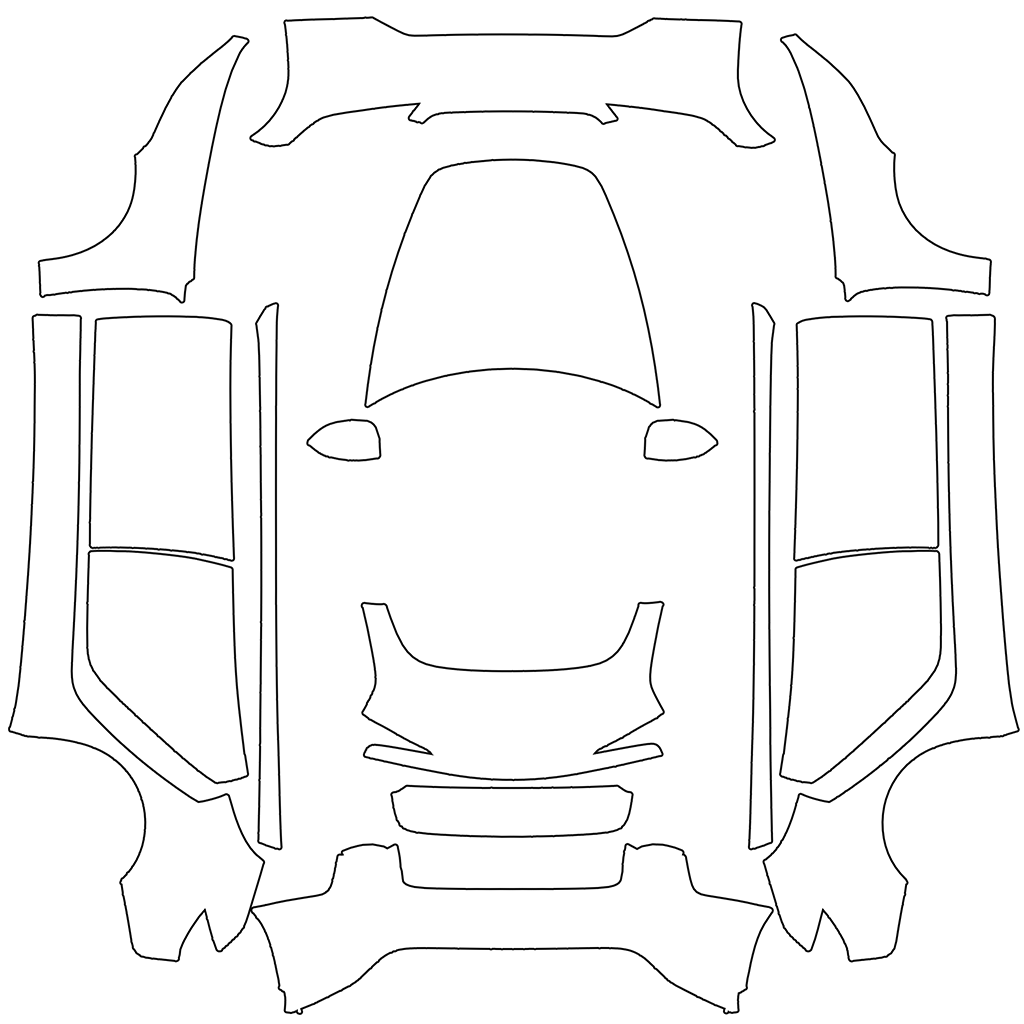 2024+ Performance
| Selection | Official folder | Bundled PNG |
|---|---|---|
| Original Model 3 | model3 | 1024 × 1024 |
| Model 3 (2024+) Standard & Premium | model3-2024-base | 1024 × 1024 |
| Model 3 (2024+) Performance | model3-2024-performance | 1024 × 1024 |
Confirm the vehicle entry instead of guessing from a filename
Check your vehicle’s model and trim information, then compare the selection in the editor with Tesla’s catalogue. A community filename such as Highland_Final.png is not compatibility evidence: it may omit Performance or refer to an earlier project. If a downloaded design has no reliable model information, ask its creator or treat it as reference artwork. Renaming the file does not change the UV map inside it.
Download the blank file or begin with the matching example
Use the template library to download the blank PNG or open that same vehicle in the editor. A blank file is a panel map, not a photograph of the car. Its separated shapes are intentional. If you start with a completed wrap, select one listed for the same variant, then inspect the hood, doors and bumpers before making changes. Keep a clean copy of the original file so you can compare your edits.
Verify orientation with one temporary mark
Before composing a full illustration, add a small contrasting rectangle on one panel and observe it in 3D. Move it slightly and rotate the vehicle until you understand that panel’s direction. Remove the mark when finished. Repeat on the opposite side rather than assuming the flattened sheet has intuitive left and right directions. This quick check is especially useful for numbers, faces and lettering that cannot be accidentally mirrored.
Rebuild placement when changing templates
An original Model 3 design can supply a palette or separate illustrations for a Highland project. It should not be treated as a finished Highland texture. Open the target template and reposition those elements while reviewing the car. Resizing a 1024-pixel square to another 1024-pixel square cannot reconcile different panel shapes. If the graphic almost fits but misses a bumper or door edge, investigate the chosen variant before repainting every detail.
Export within the file rules without changing the layout
Tesla specifies PNG format, no more than 1 MB, supported dimensions, and a filename using letters, numbers, spaces, underscores or dashes with a maximum of 30 characters. Keep the whole template canvas when reducing file size. Our exporter preserves the square layout and can use a smaller square fallback if needed. Check thin lines and gradients after compression; a file can satisfy the size limit while losing details you cared about.
If the result fails, separate detection from alignment
If the PNG never appears in Paint Shop, check actual format, bytes, filename, transfer location and file count. If it appears but puts the graphic on the wrong panels, return to model selection and placement. If the menu itself is unavailable, consult the vehicle’s feature availability rather than repeatedly editing the PNG. The browser can help inspect artwork, but only a compatible vehicle can confirm the final Paint Shop result.
Questions before you export
Is there one universal Highland PNG template?
Tesla’s public catalogue has a Standard & Premium entry and a separate Performance entry for Model 3 (2024+). Use the one matching the vehicle rather than assuming all Highland files are interchangeable.
Can a 512 × 512 wrap still use the right layout?
A proportionally reduced square can preserve the same panel positions. It does not prove the original template was correct, and small details may become less legible.
Continue with your wrap
- Download the official blank template for your vehicle
- Open the original Model 3 editor
- Open the Highland Standard & Premium editor
- Open the Highland Performance editor
- Build a Model 3 stripe, badge or illustration layout
- Diagnose a file missing from Paint Shop
- Upload your finished PNG using the Tesla app or USB
Sources and compatibility
File requirements and template selections are checked against the sources below. Original palettes and layout exercises are design suggestions, not official Tesla designs or vehicle test results. Your vehicle’s features and software determine final compatibility.